 Animal Bonds
How Animal Bonds works
A walkthrough of what your pupils, your teachers and you will actually see.
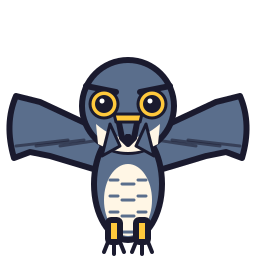
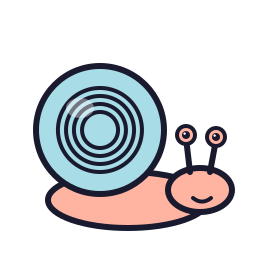
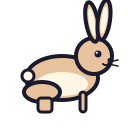
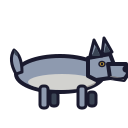
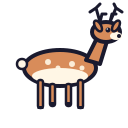
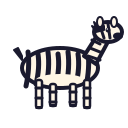
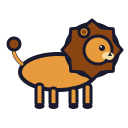
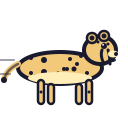
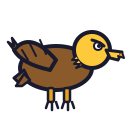
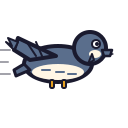
Animal ranks: slowest to fastest
The admin sets up the class
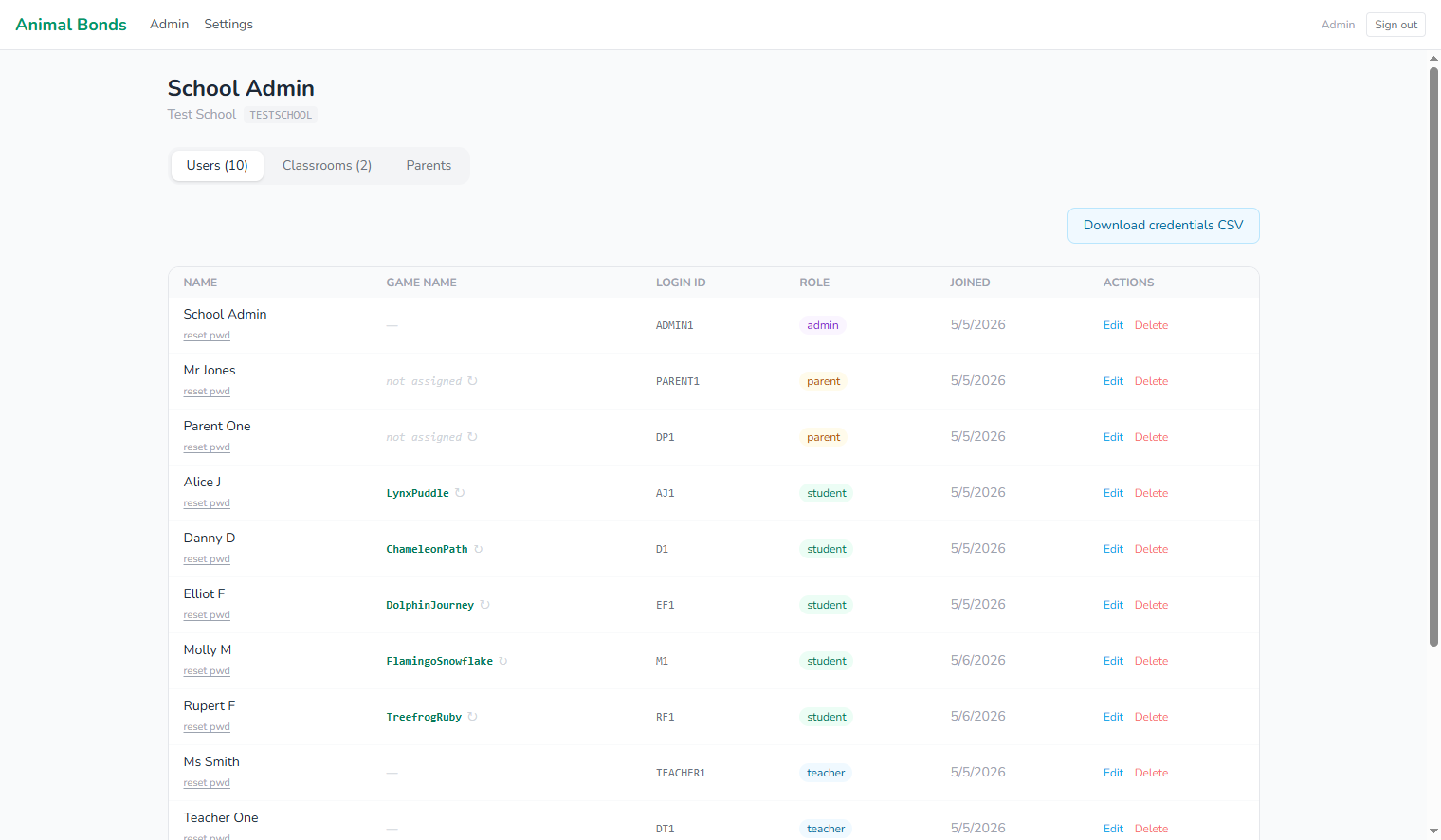
Your school and its unique school code are set up for you by us when you join, so there is no account provisioning for the school to do. From there the admin signs in to the Curious Prism dashboard at app.curiousprism.co.uk, creates classrooms, and adds pupils: by bulk import from a spreadsheet or one at a time. Each child gets a login ID and auto-generated password. No pupil email addresses, no IT department involvement. The admin downloads a credentials sheet and children sign in on the first day.
Pupils sign in and get their display name
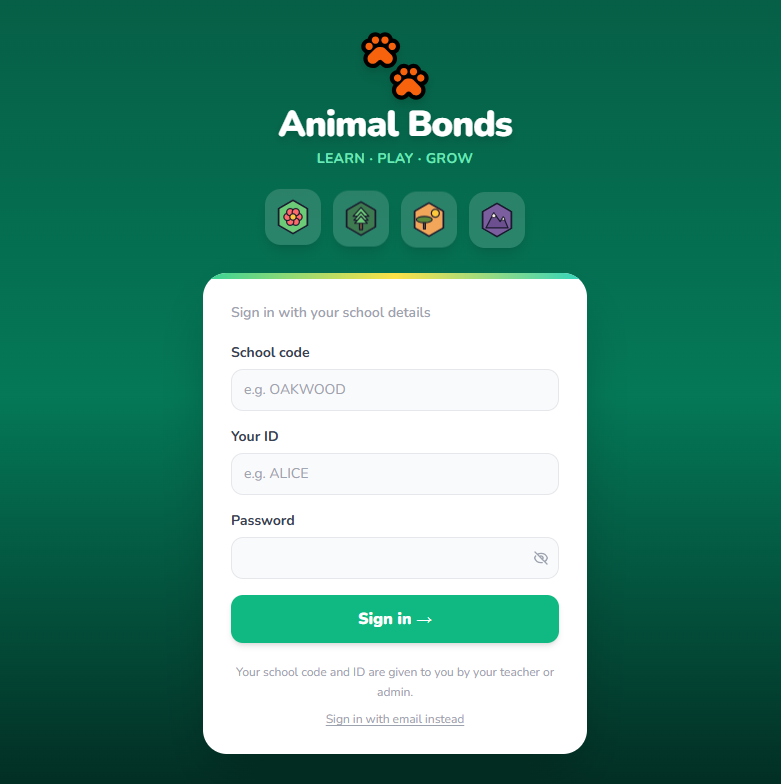
Children sign in on the game's own site, play.animalbonds.co.uk, with their school code, login ID and password. The game automatically assigns each child a display name: an animal-and-word combination like "OtterRiver" or "KoalaSunset". That is the name they see and the name classmates see during races. Their real name never appears on any pupil-facing screen.
The runner moves as they answer
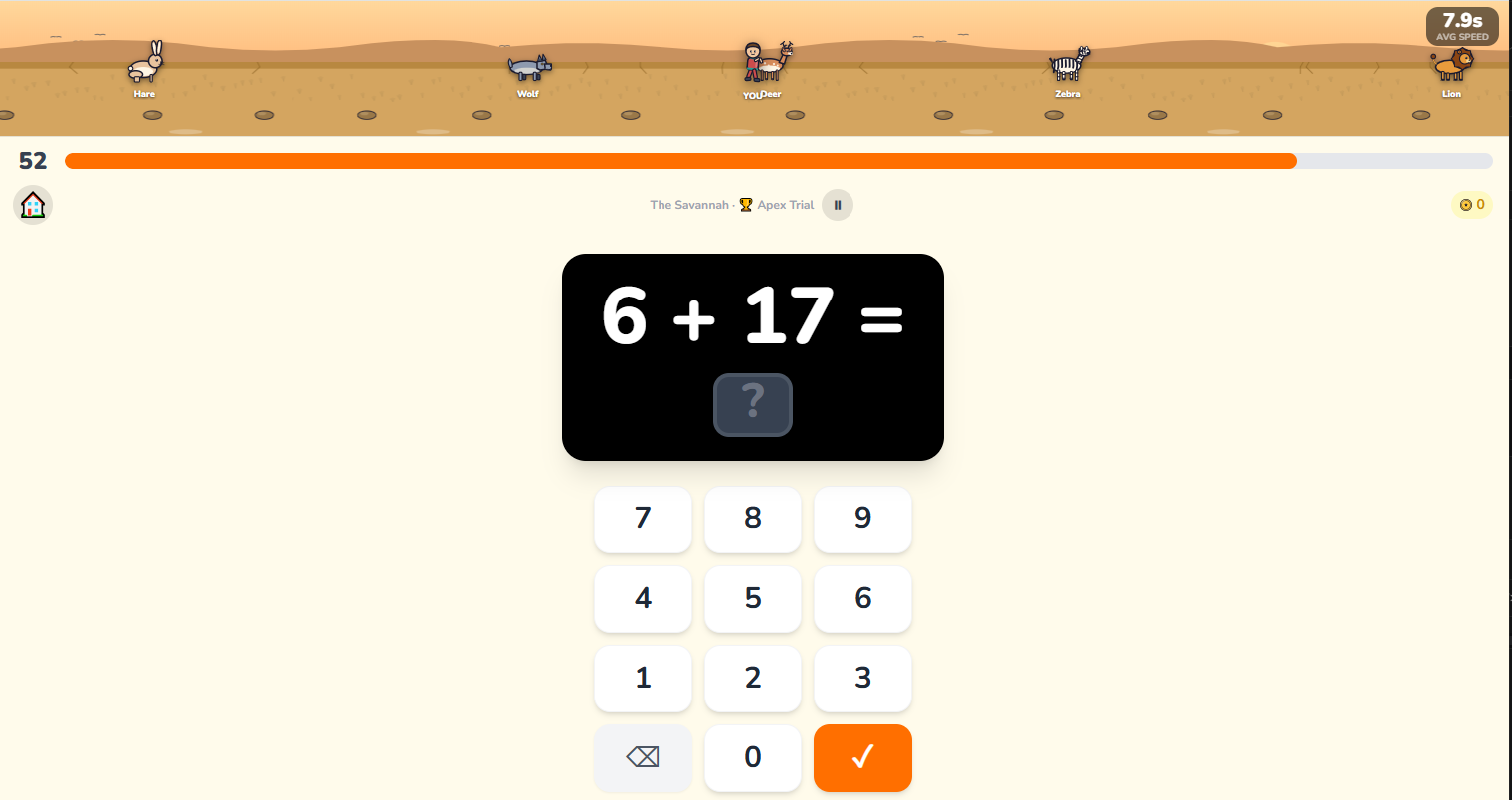
In the main game modes, the child's runner travels across a race track as they answer questions. Their position reflects how quickly they are answering. Faster recall means more ground covered. In multiplayer, they see live rivals. In solo modes, they can race a ghost of their own personal best run.
The engine adapts to every child
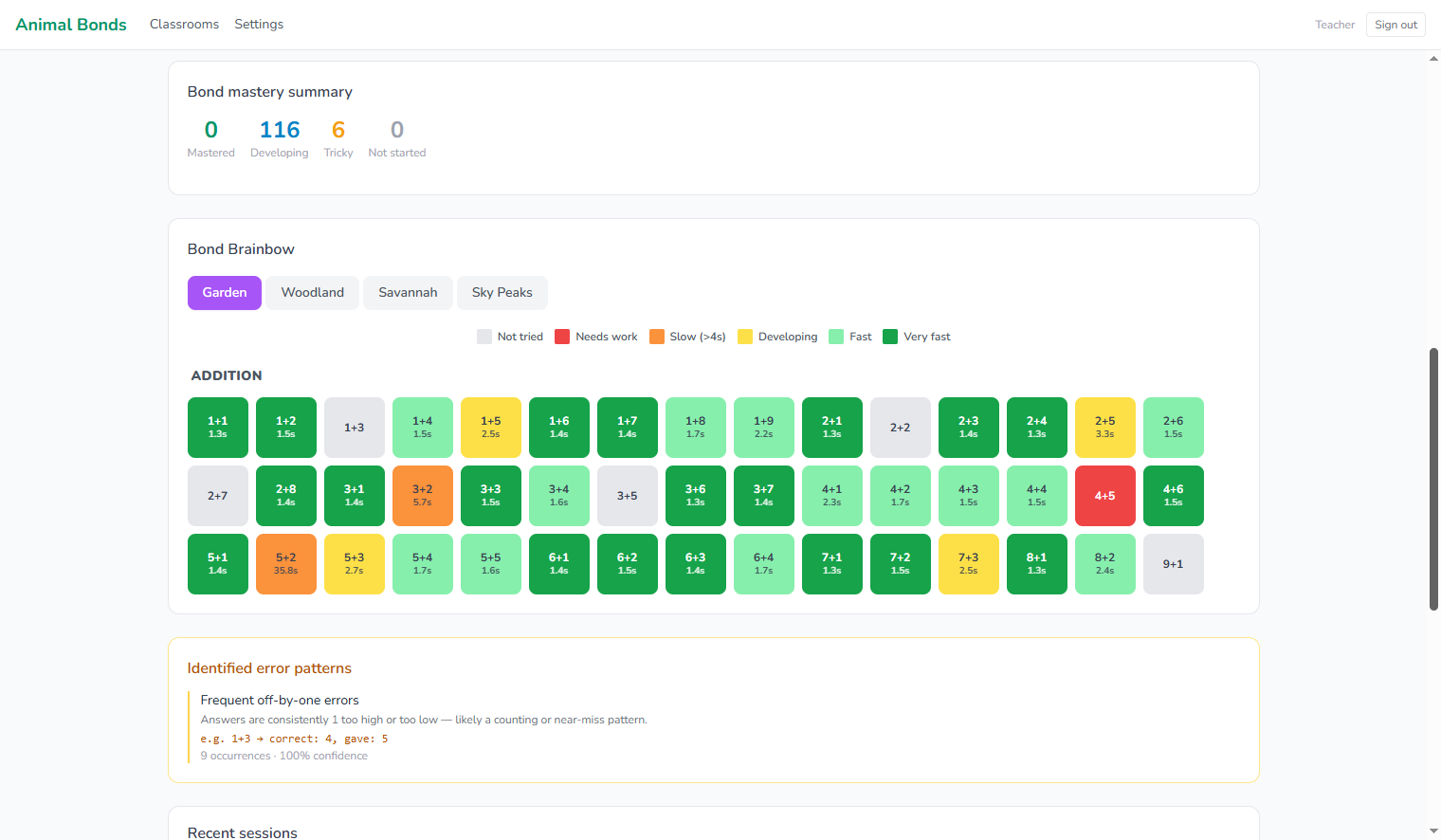
The engine tracks every fact for every child separately. A child who is fluent on bonds to 10 but slow on bridging-through-10 cases gets more of the latter and fewer of the former, without anyone having to intervene. Children see their own Bond Brainbow on the play screen inside the game, while teachers and parents get the full diagnostic view in the dashboard.
Children earn coins and unlock biomes
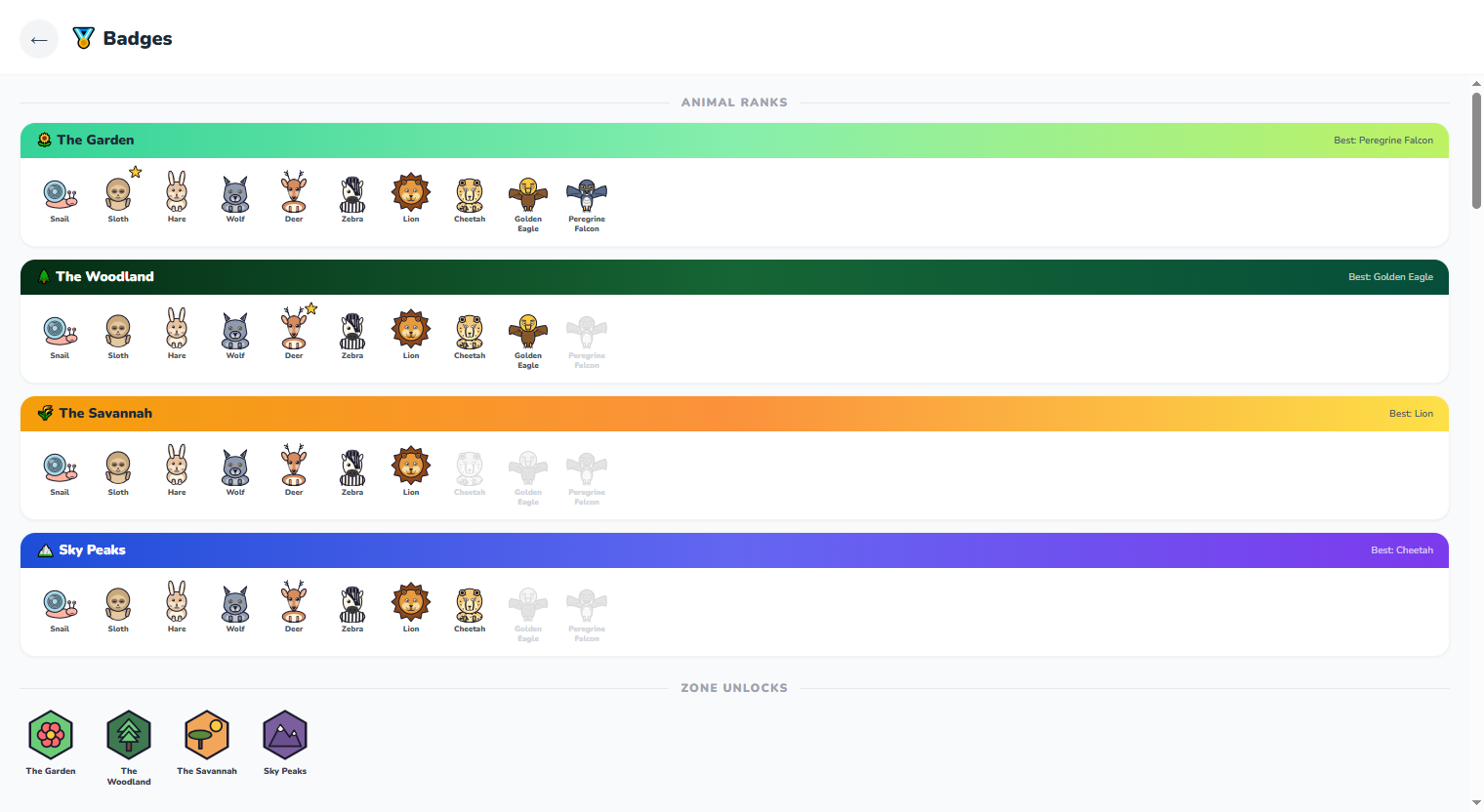
Correct answers earn coins. Personal bests and answer streaks earn bonus coins. Coins are spent on cosmetic items: runner characters and avatar animals. Animal rank is determined by Average Response Time (ART): the rolling average of the child's last five correct answers. When ART falls below the apex animal's threshold in the Apex Trial, the next biome unlocks and harder questions begin.
The teacher reads the dashboard
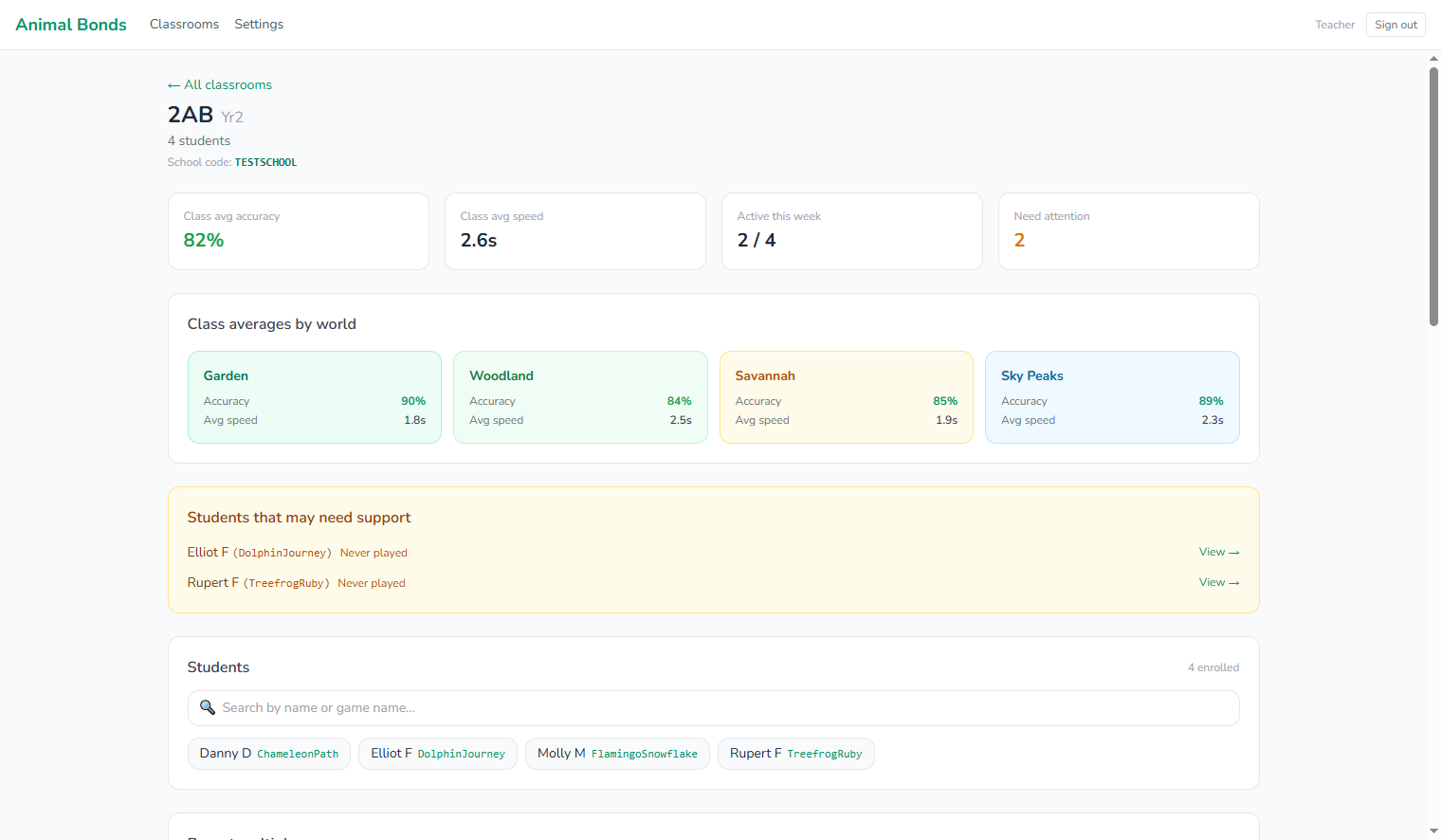
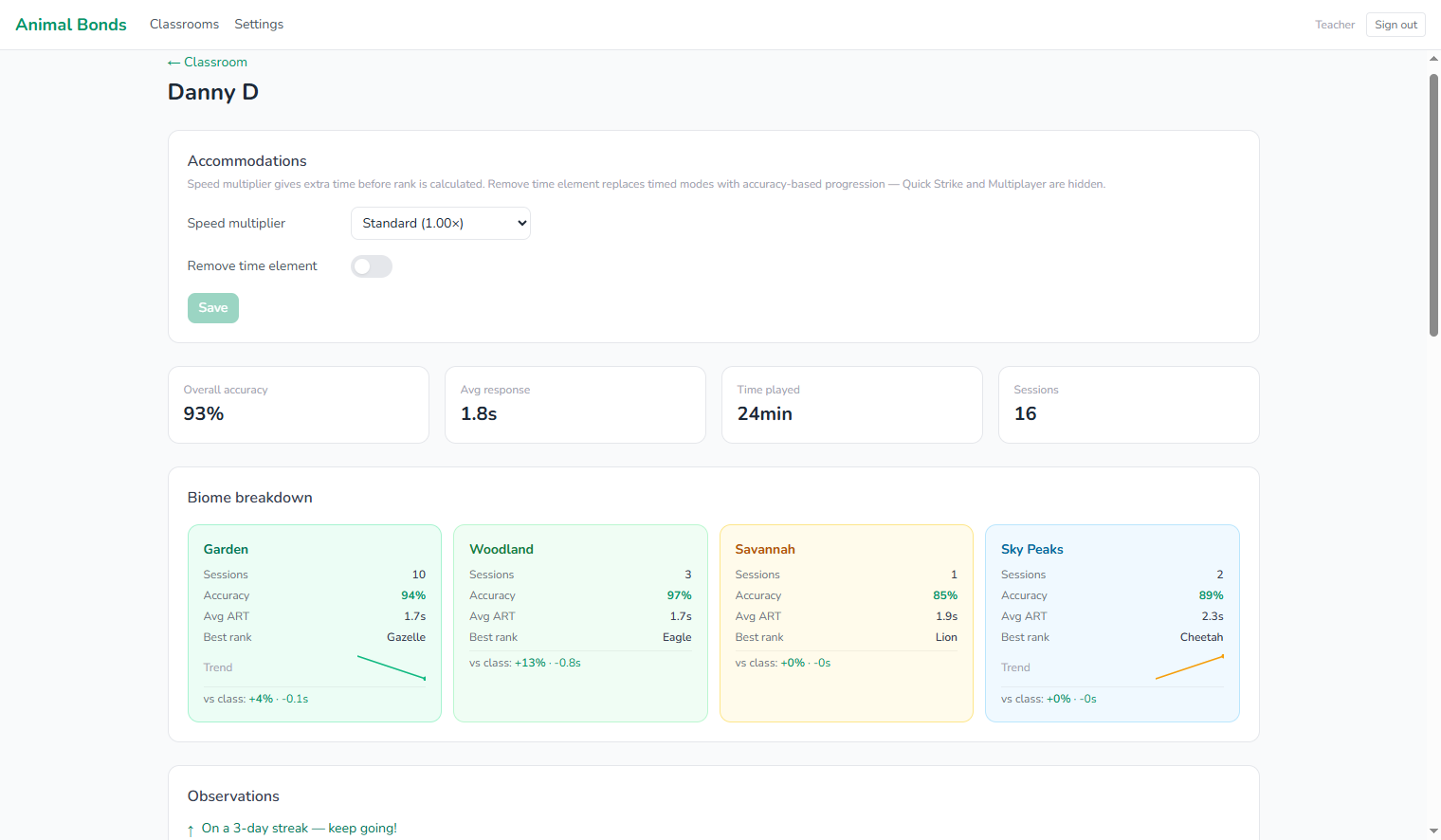
After sessions, the Curious Prism dashboard shows each pupil's accuracy and average response time across every bond they have practised. The bond difficulty view shows which facts the class as a whole finds hardest. No marking. No collation.
Parents can check in any time
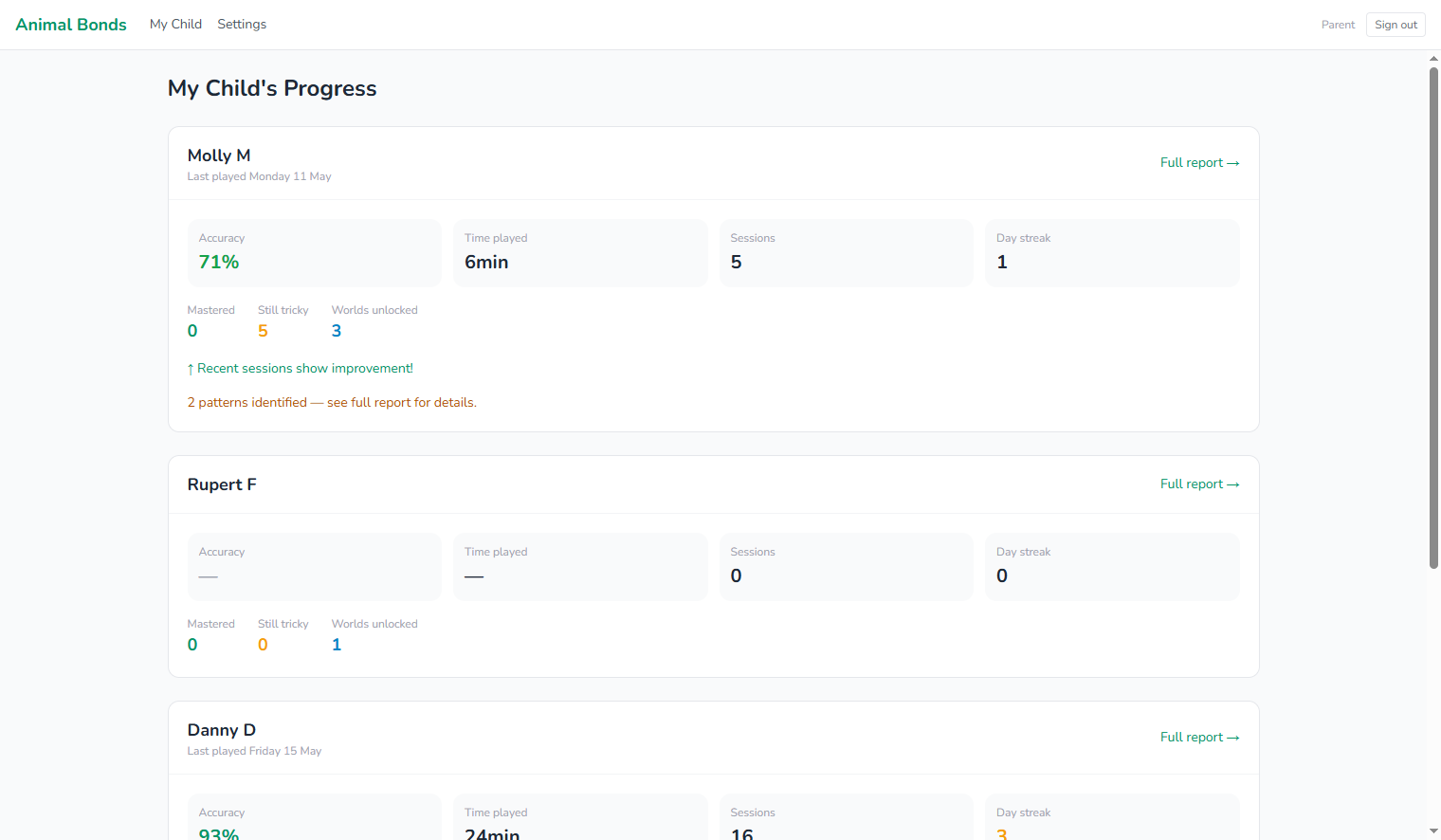
Parents get the same detailed view a teacher sees, scoped to only their own child: the child's Bond Brainbow, which bonds are fluent and which are still being worked on, what the child may need help with, screen-time and engagement, and how response speed is trending over time. They sign in to the Curious Prism parent portal at app.curiousprism.co.uk with the school code and their own login ID. A parent login is created and linked to the child automatically when the child's account is set up, so there is no manual linking step. Curious Prism does not collect parent email addresses.
The teacher dashboard
Ready to see it with your class?
We are accepting schools into a free pilot right now. No payment details. Up and running quickly.